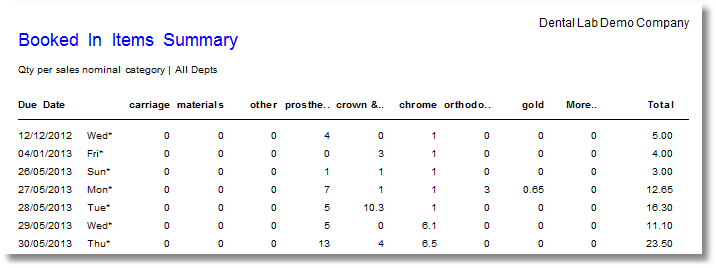
Booked In Items Summary
Lists all items on booked in jobs, in due date order, with quantity for each product nominal category.
From the Transactor Menu, choose Report - Jobs - Booked in Items Summary
Select the Department to report on, or select ALL DEPARTMENTS
Example
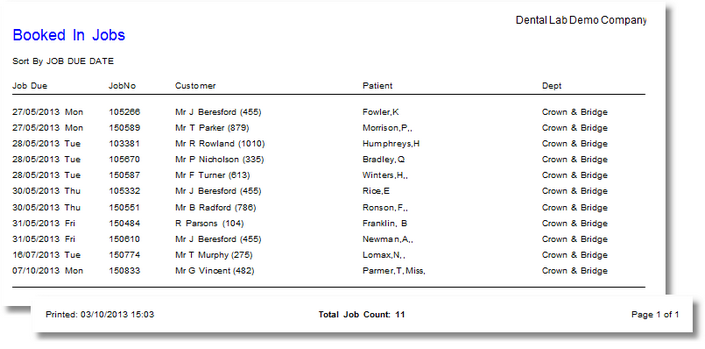
Booked In Jobs
This is a Job Schedule of work in progress. If the Job Due Date (optional) selection criteria is left blank, the report will list all booked in jobs regardless of Job Due Date.
From the Transactor Menu bar, choose Report > Jobs > Booked in Jobs
Enter a Job Due Date (optional) to specify to only report on booked in jobs with that due date, or leave this blank to report on all booked in jobs
Choose a Sort By to specify the order in which jobs should be listed: by the due date or by the Dept
Choose a Department to report on, or leave as ALL DEPARTMENTS
Example
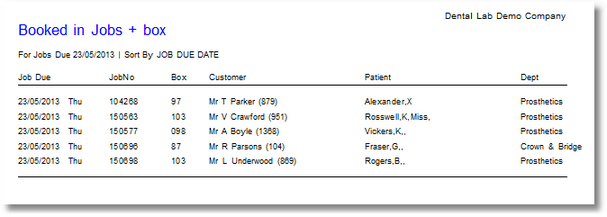
Booked in Jobs + box
Same as Booked In Jobs, with added column 'Box'. If you want to record a Box number with every job, the job must have a line item of Code 'BOX' on it. A 'BOX' lineitem can be automatically added to each new job by changing the 'New Job' template in the Setup Wizard.
Booked in jobs detailed
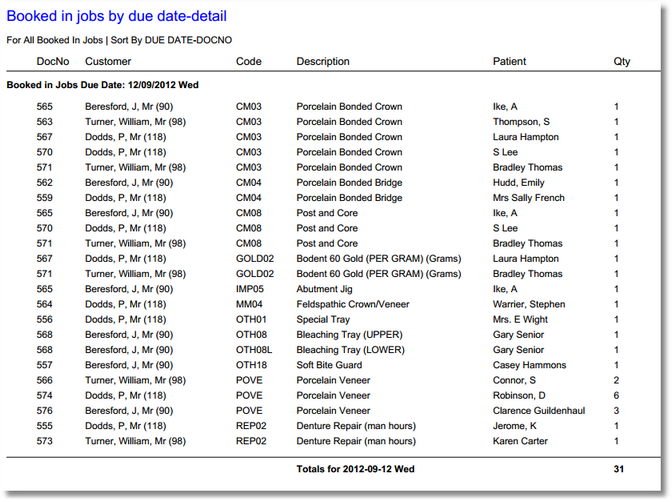
A Job Schedule of work in progress. If 'All booked in jobs' is selected, the report will list all booked in jobs, grouped by Due date. Each new due date will start on another page. If you need net values see the other report 'Booked in jobs detailed + net'.
From the Transactor Menu bar, choose Report > Jobs > Booked in jobs detailed
Example
Job Due Date (optional): Sort by: Due date-DocNo
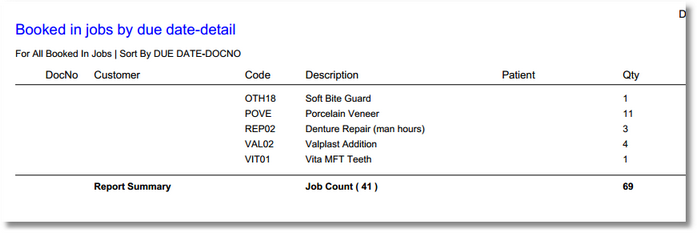
The last page contains the summary.
Booked in jobs detailed + net
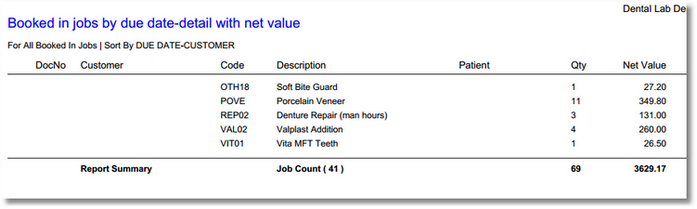
Almost the same as Booked in jobs detailed, but with an extra Net value column and associated sub-totals and grand totals for each due date.
Here's the last page of the report, containing the report summary.
Jobs on Hold
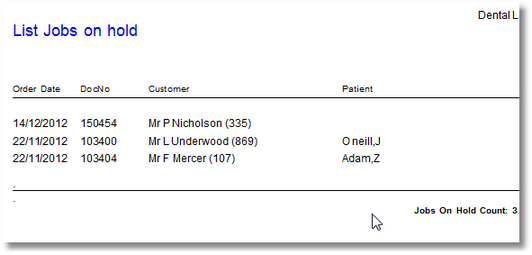
All jobs that are in Job State 'On Hold', will be listed.
From the Transactor Menu bar, choose Report > Jobs > Jobs on Hold
Example
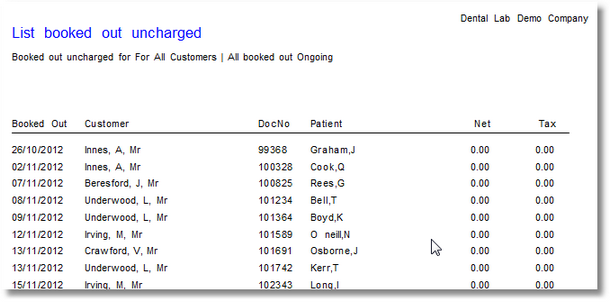
Booked out jobs (ongoing)
All jobs that are in Job State 'Booked out ongoing' will be listed. These are jobs which have been temporarily booked out but not completed or invoiced
From the Transactor Menu bar, choose Report > Jobs > Booked out jobs (ongoing)
Example
Customer: All customers Jobs older than (days): 30