Price List
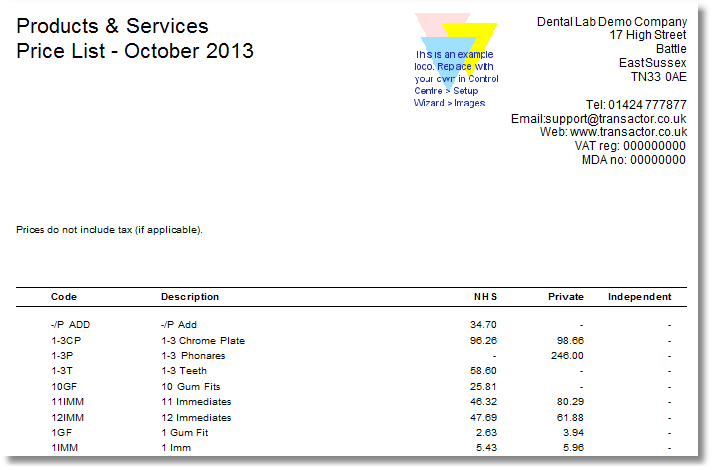
Shows your products and their prices. This list is useful as a hand-out to give your customers. You can specify which price bands are included on the list.
From the Transactor Menu bar, choose Report > Products > Price List
Choose which order the list should Sort By - either Code or Description (name) of the product
Select your price bands to show - up to three can appear on the report: Band1, Band2 and Band3
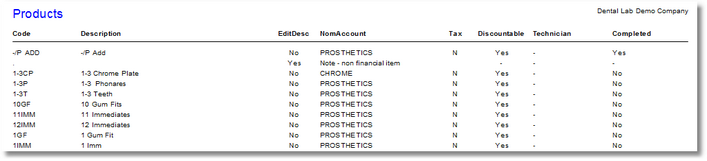
Lists all your product codes, description, Nominal Account, Tax status etc.
From the Transactor Menu bar, choose Report > Products > Products List
Example