Receiving Notifications from the Lab
|
A very important part of the Main Form is the Cloud Notifications counter. You will find this in the middle of the toolbar. Whenever a notification has been received from the lab, this counter will flash and the number will represent the amount of notifications you have waiting in your queue. When a lab performs an action on your order, you will be notified by the flashing notification icon on your LabManager toolbar.
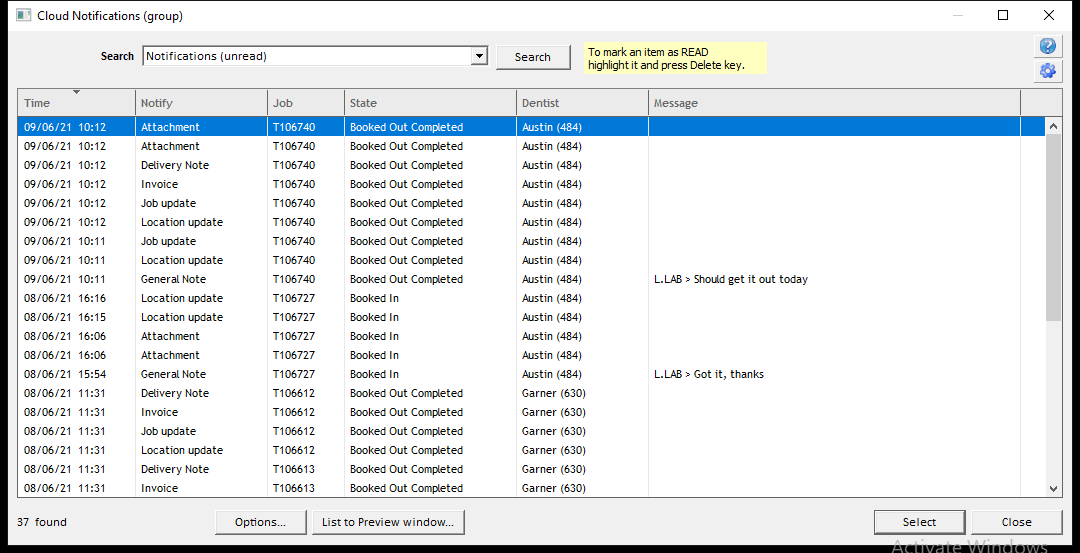
You will be presented with a list of notifications, including job status changes and messages.
You can double-click on a notification to take you straight to that job. You can delete a notification by clicking once on it to select it, then pressing the Delete key. |